
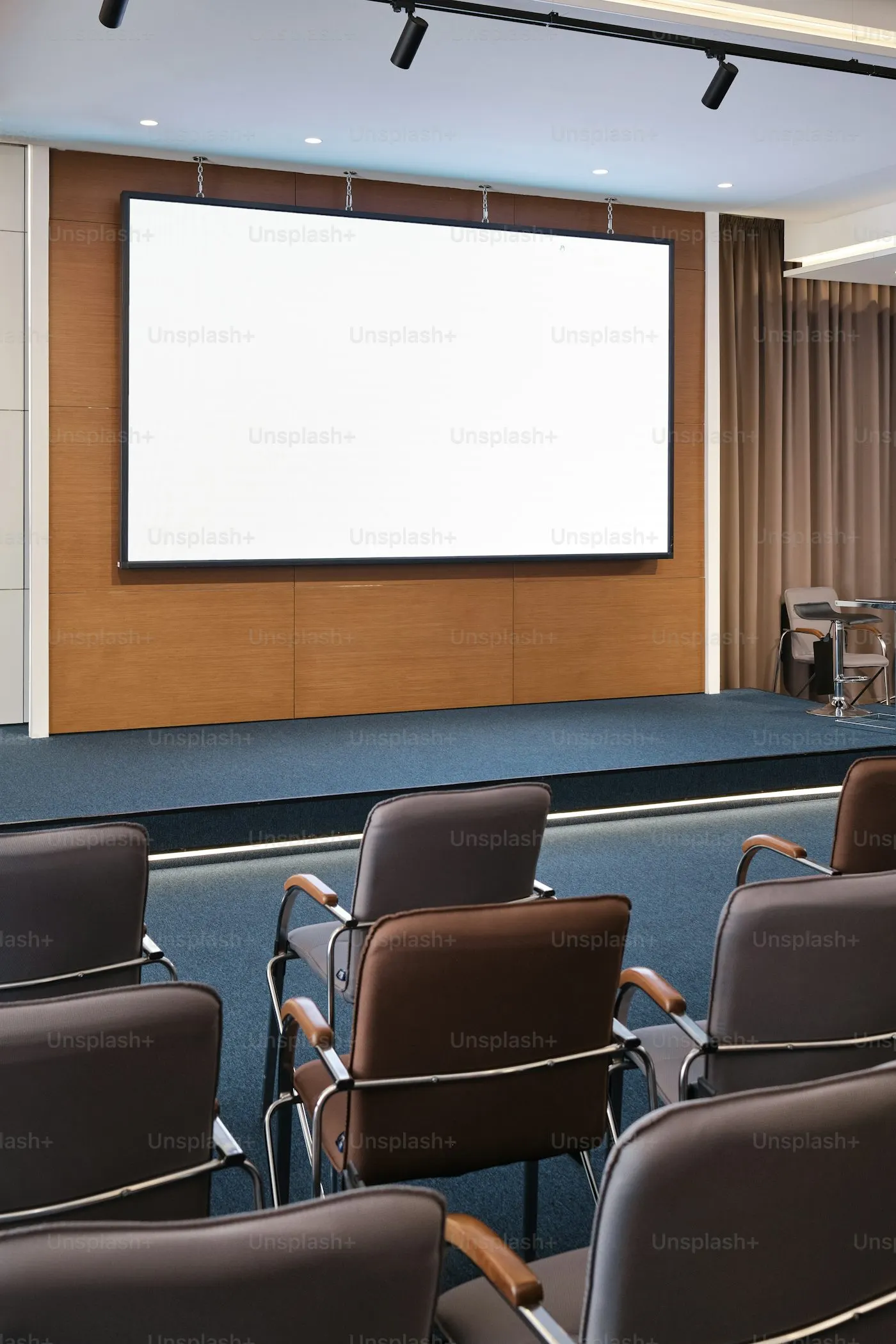
Conference Room AV & Audio Video Installation in Massachusetts
Power Up Boston designs and installs conference room AV for offices across Boston, the South Shore, and Cape Cod: rooms that join a Zoom, Teams, or Google Meet call with one touch, with the microphone, camera, and display sized to the room and wireless presentation from any laptop or phone. The same team handles projection and large displays for training rooms, digital signage for lobbies and showrooms, control systems, and the AV-over-IP and low-voltage cabling underneath, all installed and set up so the people who use the room every day can run it without a manual.
If your last meeting started ten minutes late because of the TV, or remote participants keep asking the far end of the table to repeat themselves, we can fix that.
Get a Free Audio Video Solutions Assessment
We'll review your current setup, identify immediate risks, and recommend next steps in plain English.
Who this is for
We get called about AV when a room is not doing its job:
- The conference room has a TV, a webcam on a stack of books, and a tangle of adapters, and remote participants cannot hear the far end of the table.
- The company standardized on Teams or Zoom but every room joins differently and nobody knows which cable goes where.
- A lobby, showroom, or waiting room needs digital signage that updates from the office instead of a USB stick.
- A school, training room, or town meeting room needs microphones, displays, and recording that a non-technical person can operate.
- A boardroom needs to look and sound professional for clients and remote partners, with one button to start.
- The office is moving or renovating, and the AV should be designed into the space rather than bolted on afterward.
What's included
Conference and meeting room systems
Displays sized to the room, ceiling or table microphones with echo cancellation, a room camera that frames the participants, and a room controller so a Zoom, Teams, or Google Meet call starts with one tap. Wireless presentation from laptops and phones is included where wanted.
Video conferencing built around your platform
Native Microsoft Teams Rooms or Zoom Rooms setups when a business has standardized, or platform-agnostic bring-your-own-device rooms when it has not. We configure calendars, room accounts, and the join experience.
Projection and large displays
Projectors and screens for training rooms and auditoriums, direct-view displays where ambient light makes projection weak, and mounting that respects the building.
Digital signage
Commercial displays and media players in lobbies, showrooms, menus, and break rooms, driven by a content system you update from the office. Menus, promotions, safety notices, and welcome screens without a laptop on a cart.
Control systems and programming
Touch panels and keypads programmed so power, source, volume, and lighting follow one press. The 'start meeting' button does everything so nobody has to know what an HDMI switcher is.
AV-over-IP and cabling
Video and audio routed over the network where the building layout calls for it, and dedicated low-voltage cabling everywhere else, installed and tested by our own cabling team.
Training and documentation
We train your staff on the finished room, leave a one-page quick guide on the table, and document the equipment and configuration so support is straightforward.
At a glance
- Conference & meeting room AV systems
- Video conferencing (Zoom, Teams & Meet rooms)
- Wireless presentation from laptops & phones
- Projection & large-format displays
- Digital signage solutions
- Control system programming
- AV-over-IP & low-voltage cabling
- Training rooms, boardrooms & town meeting rooms
How it works
- 1
Quick call
What the room is used for, who operates it, which meeting platform you use, and what is frustrating about the current setup.
- 2
Free site visit
We measure the room, check acoustics, sightlines, lighting, power, and network, and listen to what the people who actually use the room need.
- 3
Proposal with options
Equipment, cabling, programming, and labor itemized, with good/better options where they matter (display size, microphone coverage, control panel versus keypad) so you decide where to spend.
- 4
Installation and programming
Cabling and mounting first, then equipment, then control programming and platform setup. We test with a real call before we call it done.
- 5
Training and support
Hands-on training for staff, a quick guide in the room, and a team that answers the phone when the display will not wake up ten minutes before the board meeting.
Why a local Plymouth AV integrator
Power Up Boston has been based at 24 Samoset St in Plymouth, MA since 2009. In 17+ years we have worked with 1,622+ businesses across 68 communities on the South Shore, Cape Cod, and Greater Boston, and we hold a 4.9/5 rating from 129 Google reviews (as of October 2026). Call (508) 617-1310 and a person picks up.
AV is a physical install and a living system. Rooms get rearranged, platforms update, and someone unplugs a cable to charge a phone. We are on Samoset St in Plymouth and cover the South Shore, Cape Cod, and Greater Boston, so a tune-up visit is a short drive and the person who shows up already knows the room.
We also run the networks these systems live on. A conference room that drops calls is often a network problem, and we can fix both because we own both.
An AV company for Boston and Route 128 offices
If you are looking for an AV company in Boston that will design, cable, install, and then actually support the rooms, that is what we do, served from Plymouth up Route 3. The work for Boston offices is the same list as everywhere else: one-touch Zoom Rooms and Microsoft Teams Rooms, huddle rooms with a single USB connection, boardrooms with ceiling microphones and a camera that frames the table, large displays and projection for training rooms, digital signage for lobbies and showrooms, and AV-over-IP where video has to move between floors or buildings on the network. Most of that work is in offices along the Route 3 and I-93 corridor from Plymouth into Boston (Quincy, Braintree, Weymouth, Hingham, Milton, Dedham, and Canton) and in the Route 128 office parks, and a good share of it is a tenant fit-out where the AV goes in with the cabling and the network.
These are the same towns covered by our managed IT services for Boston and the South Shore (linked under Pair This With below), so a room build-out often lands alongside the network, Wi-Fi, and Microsoft 365 work it depends on. For a Boston-area office that means one team for the room, the cabling, and the call quality, and one phone number when the display will not wake up before a client meeting.
Rooms we build most often
Video conferencing setup in Boston and on the South Shore is the bulk of this work: the room has to join the call in one touch, the far end has to hear the whole table, and the camera has to show people rather than the ceiling. The same four room types come up again and again:
- Huddle rooms: a display, a soundbar with a built-in camera and microphone, and a single USB connection or one-touch join for two to six people.
- Boardrooms: a large display or dual displays, ceiling microphones, a camera that frames the table, a touch-panel controller, and a clean table with one cable or none.
- Training rooms: projection or a large display, a presenter microphone, recording or streaming when required, and keypad control an instructor can run.
- Town meeting and public rooms: microphones for the board and the podium, displays for the audience, and recording or broadcast feeds that a clerk can start without help.
Sound systems, paging, and background music
Background music and distributed audio for restaurants, bars, retail, and gyms, church and auditorium sound, and overhead paging are a separate specialty with their own page: see our commercial sound systems service (linked under Pair This With below). When a conference room needs ceiling speakers and microphones, we build the sound and the video side together.
How AV pricing works
AV costs are driven by room size, how many sources and displays you need, microphone coverage, whether you want a dedicated room system or bring-your-own-device, and how much control programming the space needs. After the site visit we itemize equipment, cabling, programming, and labor and show you where the choices are. A huddle room and a fifty-seat training room are different projects, and the proposal makes the difference visible.
“Tremendously impressed! The hard drive on my desktop crashed. The folks at Power Up Boston were able to save all the non-replaceable software and transfer everything to a new machine seamlessly.”
Olene Meley
Business Professional
Frequently asked questions
Can you set up a conference room for Zoom and Microsoft Teams?
Yes. We build native Teams Rooms and Zoom Rooms systems as well as platform-agnostic rooms where any laptop can drive the display, camera, and microphones over a single USB connection.
Do you install digital signage?
Yes. Commercial displays and media players for lobbies, showrooms, menus, and break rooms, driven by a content system you update from the office, with the mounting and cabling done by our own technicians.
Can you update or fix a room someone else installed?
Often, yes. We assess what is there, reuse what is sound, and replace what is not. Sometimes the fix is programming and configuration rather than new equipment.
Do you handle the cabling and mounting too?
Yes. Our own technicians run the low-voltage cable, mount displays and cameras, and finish the work cleanly. There is no separate cabling sub to coordinate.
Will the AV system work with our existing network?
We check the network during the site visit. Video conferencing and AV-over-IP need reliable wired connections and enough bandwidth; if the network needs work, we tell you and can do it.
Do you also do sound systems and background music?
Yes, under our commercial sound systems service: background music zones for restaurants, retail, and gyms, church and auditorium sound, and paging. Conference-room microphones and ceiling speakers are built as part of the room here.
Do you work as an AV company for Boston offices or only the South Shore?
Both. We are based in Plymouth and most of our rooms are on the South Shore, but we install and support conference rooms, video conferencing, displays, and digital signage for Boston offices and the Route 128 parks as well, usually alongside cabling or managed IT work. The site visit is free either way, and follow-up visits are a drive up Route 3 rather than a subcontractor dispatch.
Related Guides
Helpful reads that support this service.
Pair This With
Most businesses combine this with these related services.
Local Service Areas
Towns where this service is frequently requested. See all 68 communities on our service areas page.
Need Reliable IT Support in Plymouth or the South Shore?
Schedule a free on-site assessment. We’ll review your IT, cybersecurity, and physical security setup, then give you a clear plan with practical next steps.
Trusted since 2009 · 5-star rated on Google · On-site support across Plymouth, South Shore, Cape Cod & Greater Boston