
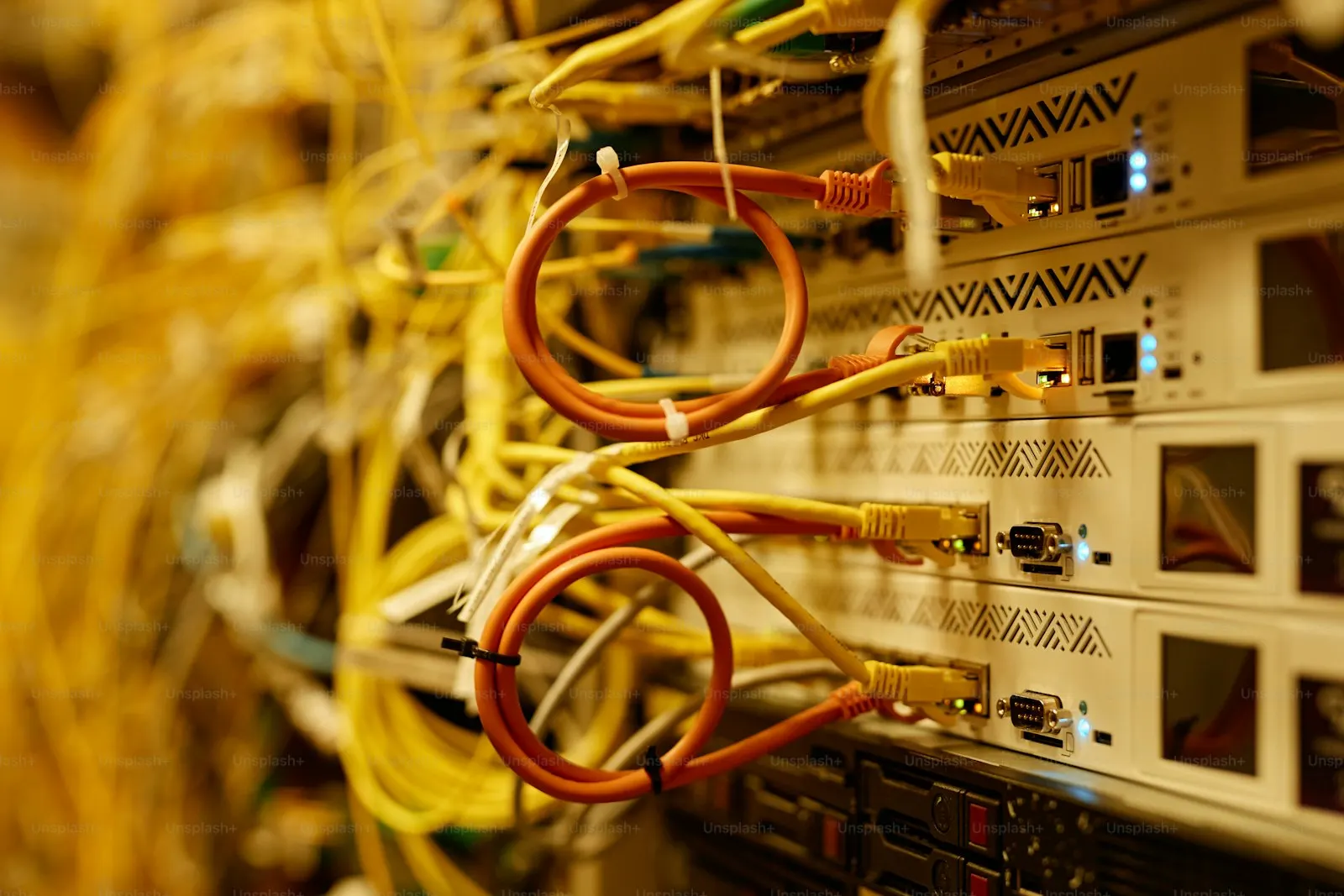
UniFi & Ubiquiti Installation and Support in Massachusetts
Power Up Boston designs, installs, and supports UniFi (Ubiquiti) networks for businesses across Massachusetts, working from our office in Plymouth across the South Shore, Cape Cod, and Greater Boston. That covers UniFi gateways, switches, and Wi-Fi access points, UniFi Protect cameras, UniFi Access door control, and UniFi Talk phones.
UniFi appeals to business owners because the network, cameras, doors, and phones are managed from one console. It still has to be designed properly: the right gateway, enough switch power, access points in the right places, and settings that someone has written down. That design, the cabling, and the support afterward are our work.
Get a Free UniFi Installation Assessment
We'll review your current setup, identify immediate risks, and recommend next steps in plain English.
The problem
When to call a UniFi installer
The UniFi projects we take on usually start in one of these ways:
- You are building out or renovating a space and want the network, cameras, and door access planned together instead of by three vendors.
- Someone installed UniFi equipment years ago, it has never been updated, and nobody has the login.
- You bought UniFi hardware yourself and it works, but the Wi-Fi drops, cameras go offline, or you are not sure it is secure.
- The console is tied to a former employee's or installer's personal account.
- You are adding cameras, door readers, or phones to an existing UniFi network and need them cabled and configured properly.
- You manage several sites and want them set up the same way and visible in one place.
What you get
What we install and support
We work across the UniFi product line and install the cabling it runs on.
Gateways and firewall rules
The gateway is the router and firewall for the site. We size it for your internet speed and device count, then set up the firewall rules, remote access, and a second internet connection for failover where you need one.
Switches and power over Ethernet
Switches are chosen by port count and by how much power the access points, cameras, phones, and door hardware will draw. We rack them, label the ports, and leave room to grow.
Wi-Fi access points
Access points are placed from a walk-through of the building, cabled back to the switch, and tuned so devices roam between them cleanly. Details are on our business Wi-Fi page.
UniFi Protect cameras
Indoor and outdoor cameras recording to a UniFi recorder on site, with phone viewing and person and vehicle alerts. Camera placement follows the same site survey as our other camera work.
UniFi Access door control
Door readers, hubs, and electric locks with schedules, per-person credentials, and an entry log, tied to camera footage of the same door.
UniFi Talk phones
Desk phones on the same network, with your existing numbers ported, an auto attendant, and ring groups.
Takeovers and cleanups
For an existing UniFi site we recover or reset access, update firmware in a safe order, separate guest, staff, camera, and phone traffic, and document what is there.
Ongoing management
Firmware updates, configuration backups, monitoring for offline devices, and changes as the business grows, on their own or as part of a managed IT agreement.
At a glance
- UniFi gateways & firewall rules
- Switches sized for port count & power
- Cabled Wi-Fi access points
- UniFi Protect cameras & recorders
- UniFi Access door readers & hubs
- UniFi Talk phones
- Takeover & cleanup of existing UniFi sites
- Firmware updates, backups & monitoring
- 1
A short call
What you have today, what you want to add, the size of the building, and whether it is a new install or a takeover.
- 2
Free on-site assessment
We walk the space, look at the existing cabling and equipment, note where access points, cameras, and readers should go, and check the internet service.
- 3
Design and written quote
You get an itemized equipment list, the cabling required, and the labor, with any recurring items listed separately.
- 4
Cabling and installation
We pull and terminate cable, mount the equipment, build the network segments, and adopt each device into your console.
- 5
Handover and support
You receive the network documentation and admin access, your staff are shown the apps they will use, and we remain available for support and changes.
Why local
Why a local UniFi installer
Power Up Boston has been based at 24 Samoset St in Plymouth, MA since 2009. In 17+ years we have worked with 600+ businesses across 68 communities on the South Shore, Cape Cod, and Greater Boston, and we hold a 4.9/5 rating from 134 Google reviews (as of November 2026). Call or text (508) 617-1310 and you reach our team in Plymouth.
Most UniFi trouble we are called to fix is physical: an access point in the wrong spot, a camera on a marginal cable run, a switch without enough power. Those are fixed by a technician on a ladder, not by a remote session. We have installed more than 500 security camera systems since 2009, and we install the low-voltage cabling the equipment runs on.
“The team at Powerup Boston has provided excellent service for both my computing and network needs. They set up all of the business's computers and verified all network settings, which made everything run smoother. I have also had them clean up some personal computers as well. I would highly reccomend their services!”
What to have ready
- A floor plan or sketch of the building, including outdoor areas you want covered.
- The login for any existing UniFi account or console, or the name of whoever set it up.
- Your internet provider and the plan you are on.
- A count of people, desks, doors, and camera views you have in mind.
- Any landlord or building rules about cabling, exterior mounting, or door hardware.
Common UniFi mistakes we fix
- The console is owned by an installer's or ex-employee's personal account. The business should own the account and add its IT provider as an administrator.
- Everything sits on one flat network, so guest phones, cameras, and the accounting computer can all reach each other.
- Access points are linked wirelessly to each other where a cable was possible, which cuts speed and reliability.
- The switch cannot supply enough power, so cameras or access points restart under load.
- Firmware has never been updated, or was updated all at once in the middle of a workday.
- There is no configuration backup and no record of what is plugged in where.
What drives the cost
A UniFi quote depends on the size and construction of the building, the number of access points, cameras, doors, and phones, how much new cabling is needed, and whether we are starting clean or untangling an existing install. We assess the site at no charge and give you a written, itemized quote before any work begins.
Do you install UniFi equipment for businesses in Massachusetts?
Yes. We design, install, and support UniFi networks, cameras, door access, and phones for businesses on the South Shore, Cape Cod, and in Greater Boston from our office in Plymouth. It is day-to-day work for our technicians.
Which UniFi products do you work with?
UniFi gateways, switches, and Wi-Fi access points, UniFi Protect cameras and recorders, UniFi Access door readers and hubs, and UniFi Talk phones. We also install the cabling, racks, and mounting they need.
Can you take over a UniFi network someone else installed?
Yes. We start by getting proper admin access, then review the firmware, the network layout, and the security settings. You get a list of what we found and what we recommend before we change anything.
Is UniFi a good fit for a small business?
For many offices, shops, restaurants, and warehouses it is, because one system covers the network, cameras, doors, and phones. It is not right for every site, and where another product suits the building or the requirement better, we say so during the assessment.
Does UniFi have monthly fees?
The network, camera, and door-access software runs on your own console without a per-device license. Phone service through UniFi Talk and some optional cloud features are subscriptions. Any recurring cost is listed separately in our quote.
How much does a UniFi installation cost?
It depends on the building, the number of devices, and how much cabling is needed. We do a free on-site assessment and provide a written quote with equipment, cabling, and labor itemized.
Do you support UniFi systems after installation?
Yes. We handle firmware updates, configuration backups, monitoring, and changes such as new users, cameras, or doors. Support can stand alone or be part of a managed IT agreement.
Can I buy the UniFi equipment myself and have you install it?
Talk to us before you order. The usual problem with owner-supplied equipment is the wrong model or too little switch power for the job, so we would rather confirm the design first and then agree who supplies what.
Related Guides
Helpful reads that support this service.
Pair This With
Most businesses combine this with these related services.
Local Service Areas
Towns where this service is frequently requested. See all 68 communities on our service areas page.
Need Reliable IT Support in Plymouth or the South Shore?
Schedule a free on-site assessment. We’ll review your IT, cybersecurity, and physical security setup, then give you a clear plan with practical next steps.
Trusted since 2009 · 4.9-star rated on Google · On-site support across Plymouth, South Shore, Cape Cod & Greater Boston